RociFi releases V1.10 September Week38 Update
Sep 23
RociFi Community and Users!
We have prepared an absolutely fabulous set of updates this week.
So, let’s start
Now RociFi users can access protocol, mint NFCS, deposit and borrow not only via Metamask but through any other wallet that supports WalletConnect.
Ledger users can also connect via WalletConnect.
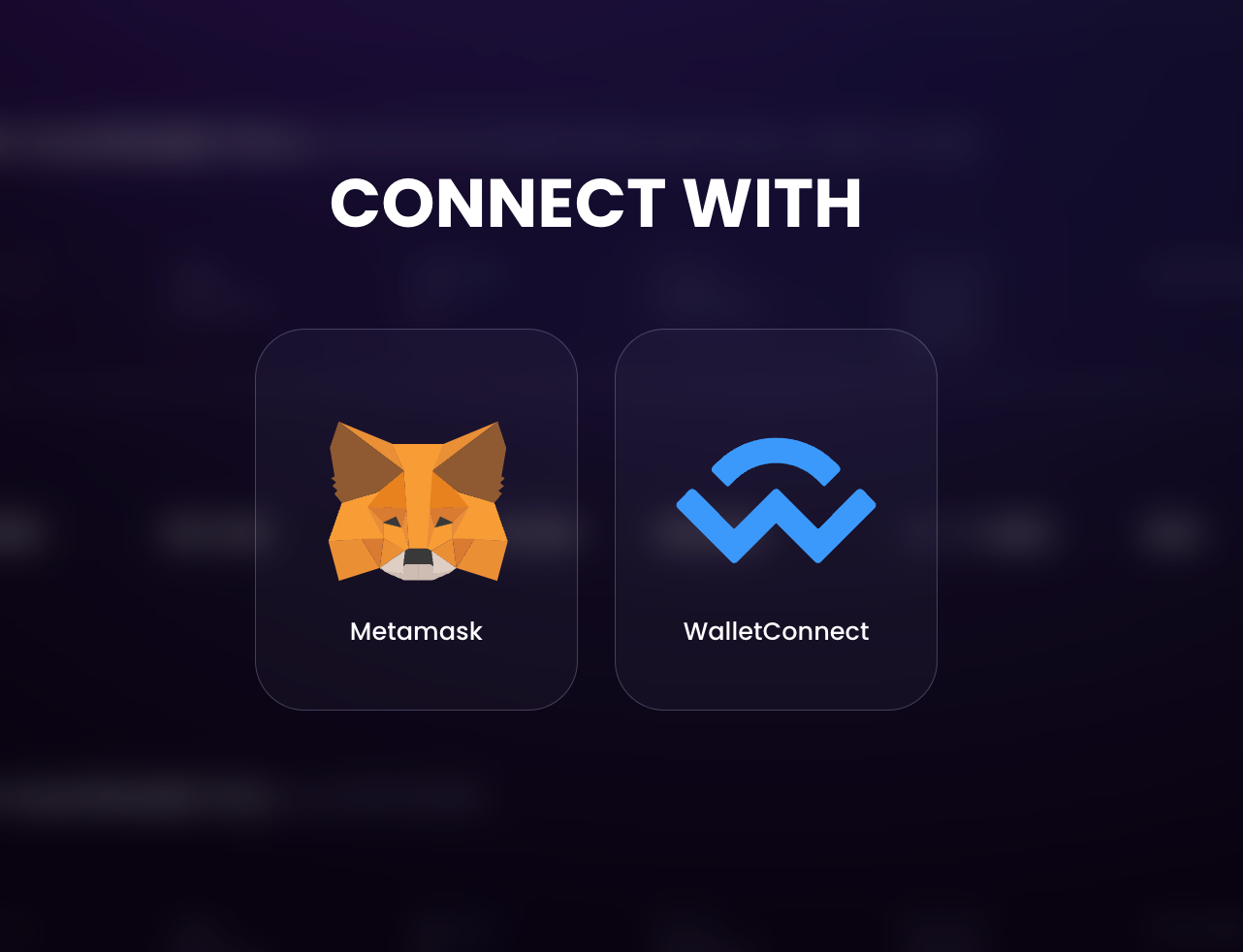
How can you connect your wallet app to RociFi with WalletConnect?
- Go to blog.roci.fi, click ‘Go to app’ -> Click ‘Connect Wallet’
- Select WalletConnect among the connect options. You will be presented with a QR code.
- Open the wallet app and look for an option to Scan QR code.
- Scan the QR code. You will be prompted to authorize RociFi in your wallet app.
- After that, you will be interacting with both RociFi UI on desktop and the wallet app to make following transactions.
The most requested feature is finally available!
The problem that our users had: users mint NFCS before they realize that they could have linked more addresses and improved their score. Also, some users start using new addresses and they’d like to add them to the existing NFCS bundle.
Solution
- In the NFCS view a button to ‘add more addresses to NFCS’ has been added
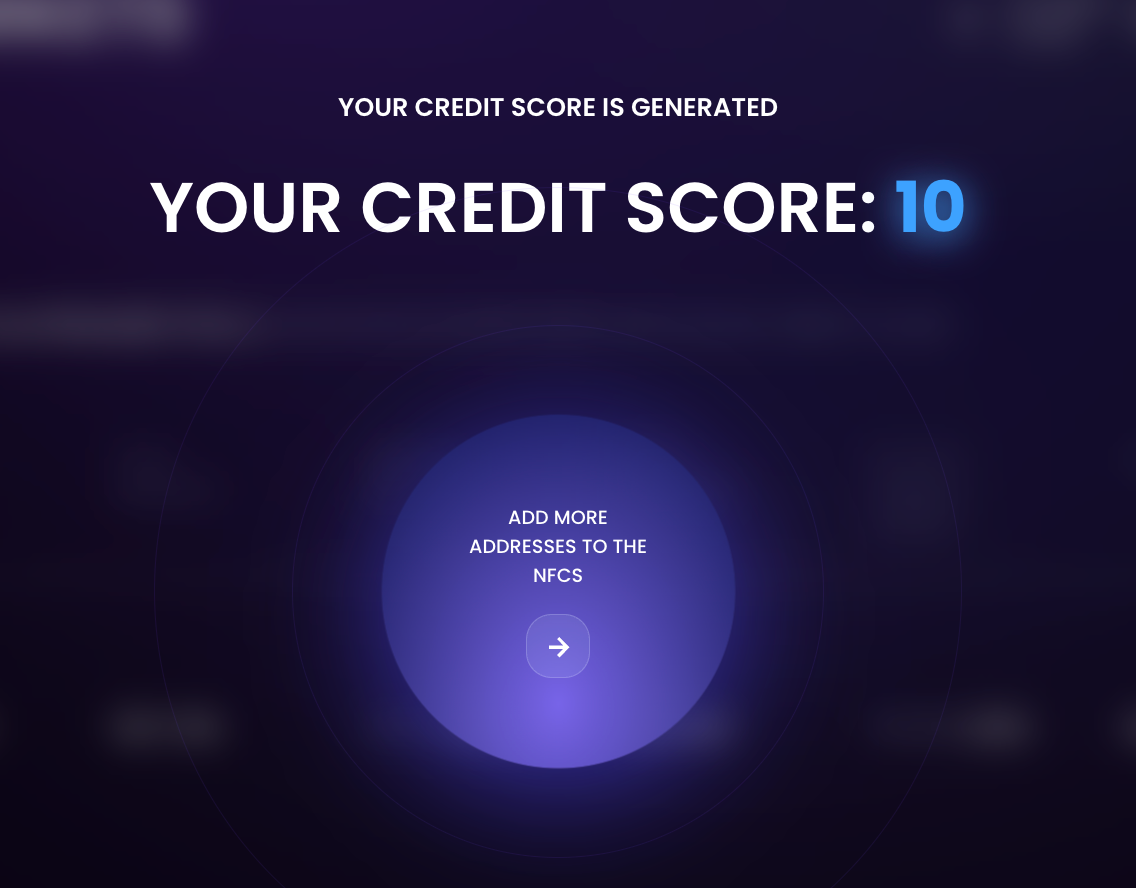
- After clicking on it user goes to the NFCS mint flow
- First, make sure you sign the primary address that is connected to RociFi
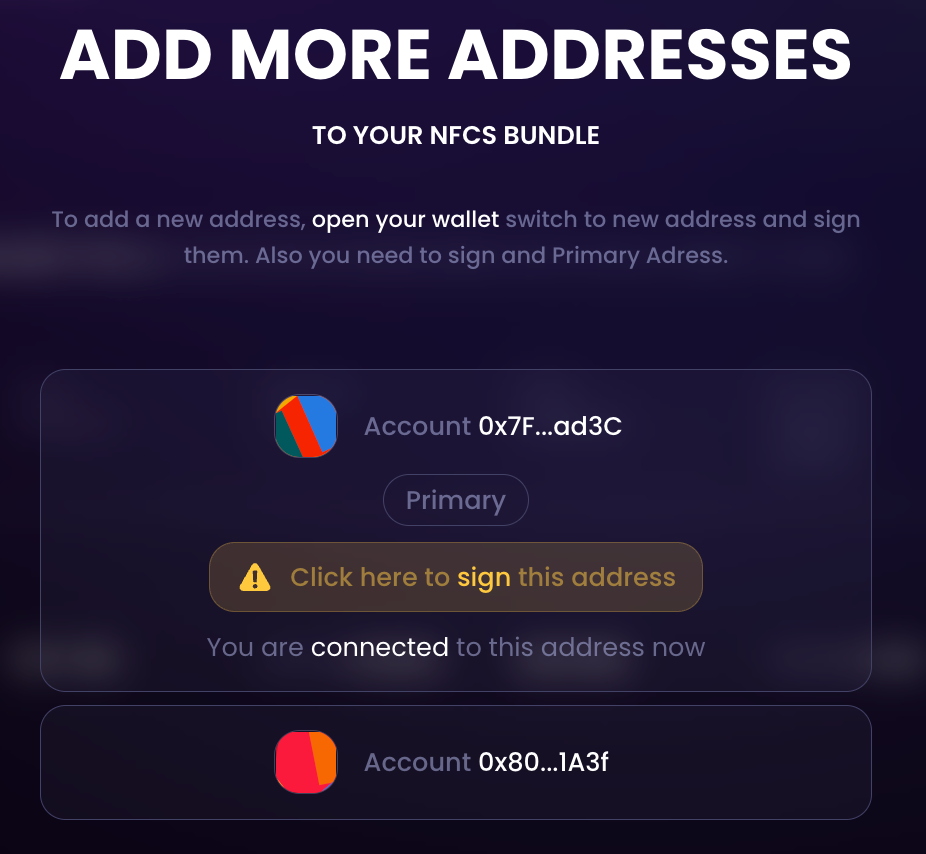
- After that, you can add new addresses to the bundle
- Addresses that are already in the bundle are displayed in the list
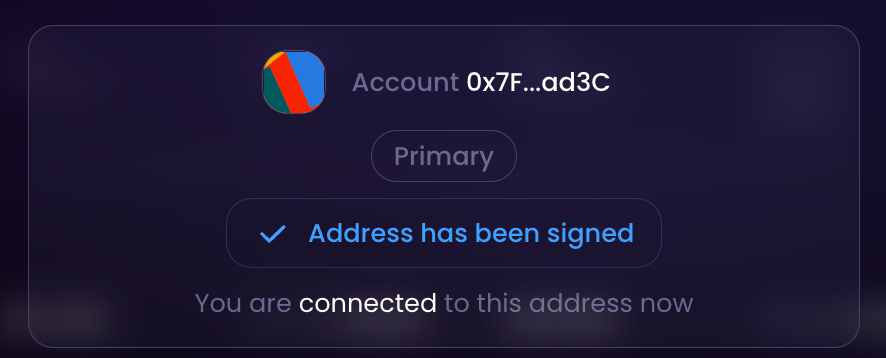
- If your wallet is connected to an an address account that is not part of the bundle, this new address is recognised automatically and the dialog offers to ‘add XXX address to the bundle’ (XXX being the address that is currently connected to)
- Every time the wallet re-connects to another address, this new address is offered to be added to the list of addresses to be added to the bundle
- Upon selecting adding new addresses to the bundle, user clicks “Add new addresses to NFCS” button
- Clicking “Mint NFCS” adds new connected addresses to existing NFCS
- Re-scoring with new data has been initiated and user sees an updated score
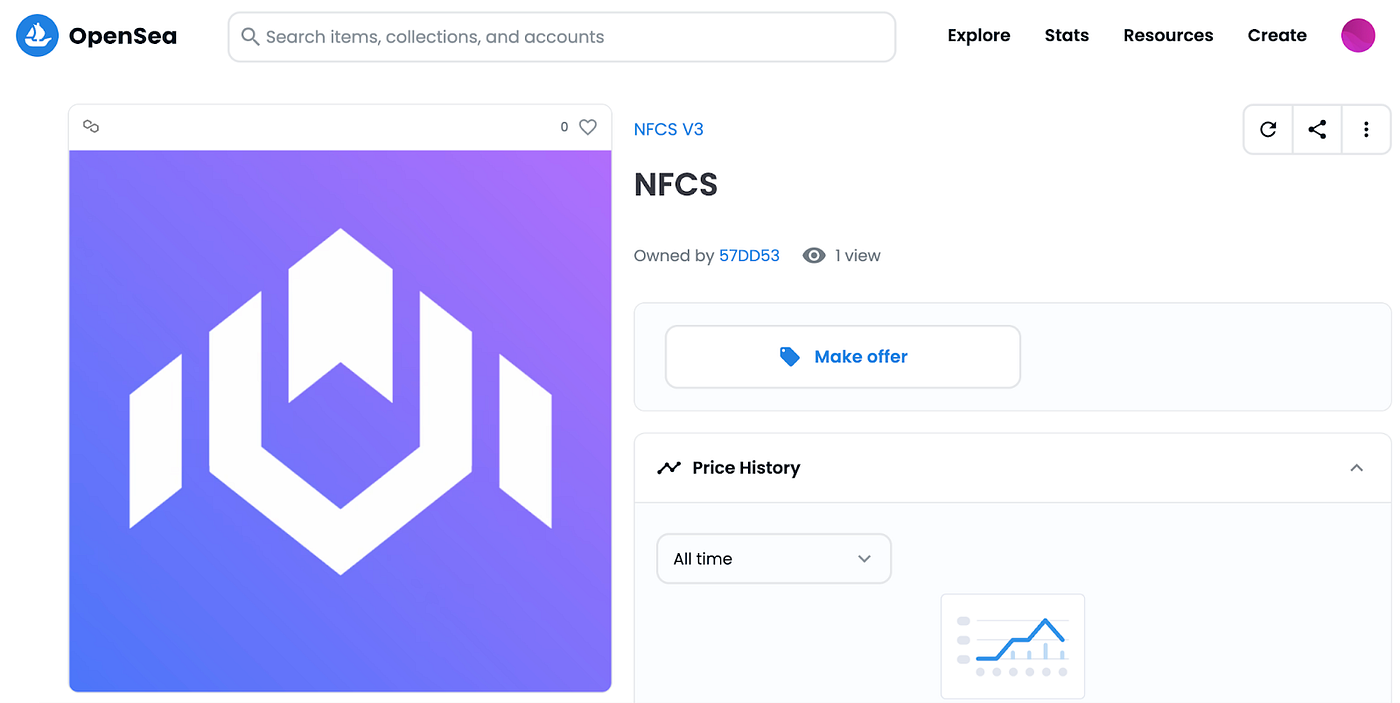
Finally, from now each NFCS mint has NFCS icon stamped “on-chain”. Users who possess NFCS in their wallet can see NFCS token with the corresponding RociFi icon as part of their portfolio on NFT-browsing platforms like Opensea.
______
RociFi — Under-Collateralized DeFi Credit Protocol on Polygon